While everything seems to be in meltdown mode on Twitter, a lot of users are jumping ship to Mastodon.
Mastodon is not new. It’s actually been around for a handful of years but operating in smaller, dedicated circles as an alternative to “major” social networks like Twitter or Facebook.
I had been thinking about exploring more about Mastodon a few years back but never found the time to dig into it. Of course, now that I’ve made my jump on board, I’m somewhat regretting that I haven’t explored it sooner.
I understood that it’s a “federated” social network but never really grasped what that meant until I got into it. Hearing someone say it is a lot different than actually getting hands on so that your brain can fully comprehend what that means.
And it’s awesome. Yes, it’s a little difficult to understand at first, and there is a lot of terminology and functionality that is mostly the same but different from those mainstream social networks that you might already be familiar with.
The one thing I really like about Mastodon is how decentralized it is. There are pluses and minuses to that concept, but this is what could make Mastodon a really great, evolutionary step in all things internet.
Because “federated” is something everyone is more familiar with than they know. The roads you drive on are federated. The phone you talk or text on are federated. Email is federated. There is an established method for how all of these things work that is managed on various levels but generally provide the same standards.
When you drive across the country, at least in the US and Canada, you subconsciously expect that there will be at least a two lane highway that is wide enough for two cars traveling in opposite directions. Every state or province has their own methods for how those roads are constructed and maintained, but they are all built to a standard that every driver tends to understand. From signage, road markings, and speed limits, there are established protocols that remain fairly the same from location to location.
That’s what is meant when it is said that Mastodon is federated.
There is an established method that allows islands of servers to exchange data in a predefined, open source protocol, which is pretty much the exact same way email already works.
And just like email, anyone can setup a server or find an existing service to sign up on to start interacting with the world. But once you control a server, you can decide who can have an account on it, what other servers can interact with your server, and so on.
That is where the power lies in Mastodon for me. It might not be perfect and need some work to make these protocols efficient as more and more people jump on board, but the idea of having control over your social network is a massive concept to a more free and open internet.
But where does that leave us, the consumers of Twitter?
I joined the site when it was nothing more than a website in 2007. Smartphones were still in the single-stroke engine phase of their technological evolution, and initially, the only mobile engagement you got was a one-way interaction via text message, meaning you could post a tweet through SMS but not really get any engagement back because all of that effectively happened at the terminal level.
The terminal level
It brought on a whole new level of engagement that we all declared to be called “microblogging”.
And the truth is that Twitter was the beginning of the end for the culture that blogging had become around that time. One technology overtaking another technology is a tale as old as time, so in hindsight, this should not be surprising.
Over the next few years, many blogs, mine included, went pretty quiet because tweeting was a quick, rapid fire method of dissemination that cost basically nothing and was simple to grasp the concept of. Blogs, like this site, took a little more to understand how the method of publishing content with pictures and links works and how to do it well.
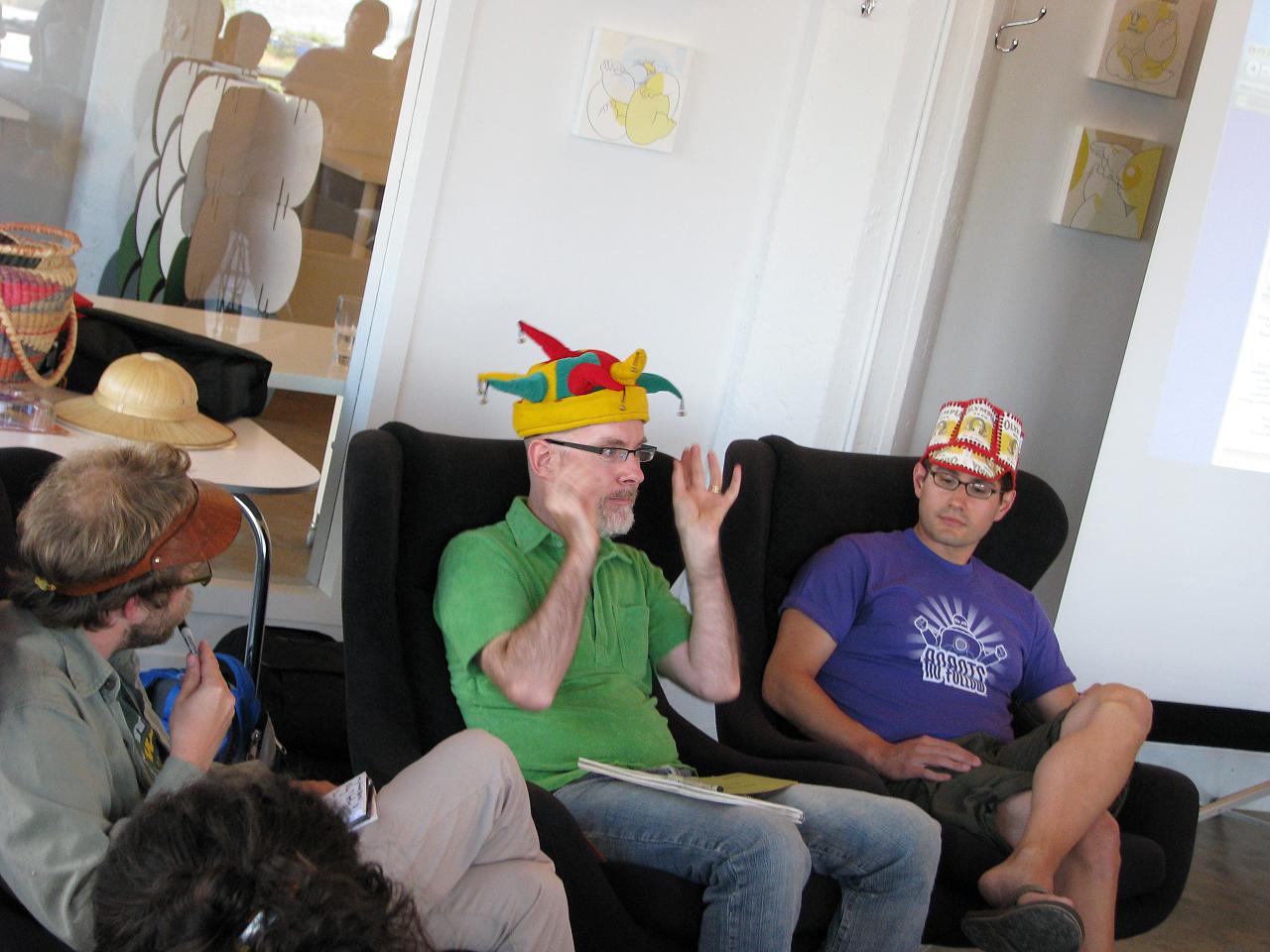
#nettuesday “social media for social change” event at workspace where I’m sure someone mentioned microblogging, circa 2011
Ease of use and instantaneously reaching the entire world at the click of a button was a huge jump in information sharing in human history, and anyone, not just those who could afford it, could suddenly do it with Twitter.
Because if you look back in time, the evolutionary track of how we share information is filled with the commonalities of how a handful of powerful players influenced, steered, and profited on technologies like the printing press, telegraph, the electrical grid, wireless, radio, television, to the internet. There were even other forms of microblogging sites that tried to be “the next” or “an alternative to” Twitter, but they came and went with varying forms of success and failure.
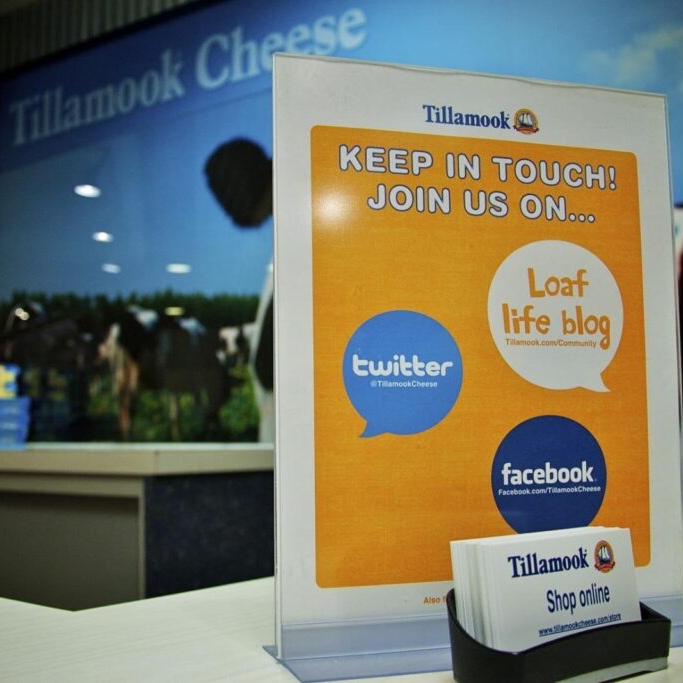
Tillamook Cheese Factory, Oregon, circa 2012
Twitter happened to be one of the first and got lucky to have investors that helped forge it into what it became.
So now that Elon has bought it and cleared out the core of those who were at the top of the company’s operations, I would say that there is something going on that can certainly destabilize Twitter as a business.
Tech companies have come and gone by the thousands, and no business is ever too big to fail. There is an absolute possibility that Twitter could cease to exist, which was true before Musk even thought about buying it. But being that he has forcefully removed those at the top of the company’s ecosystem, we’re going to see the beginning of a brain drain with employees walking out from the lower ranks.
That’s the real foundation of any operation where without those people knowing the daily ins and outs to how things work will cause a noticeable shift. It’s impossible to guess as to how much and to what degree, but this is true of any job, especially if you lose lynchpins that take multiple people to do the same things that a single person did.
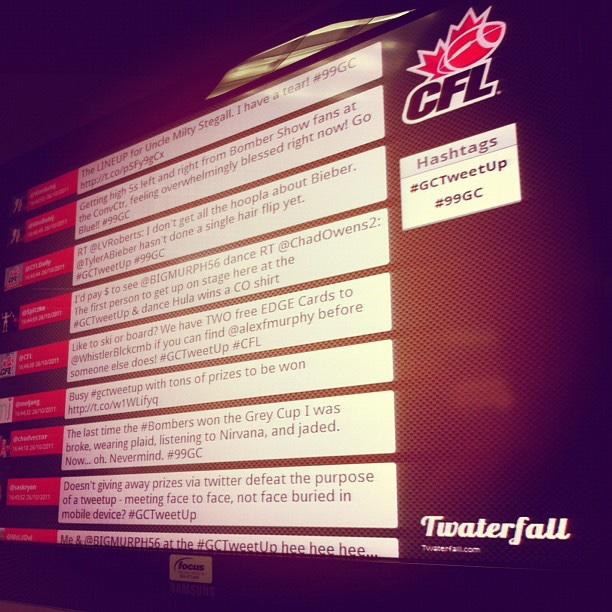
99th Grey Cup Tweetup, circa 2011
That’s really my first thought. How long before the first fail whale resurfaces? What about sabotage? Because this is the type of event where there will be no two-week notices. Folks will quit by just standing up and walking out as their personal thresholds will be tested against that benefits package and steady income that is just too good to leave your job for.
“Oh. Steve used to take care of that. I guess we forgot to put someone in charge of that… three months ago.”
The last few days has seen a sharp rise in derogatory language on Twitter, making people publicly ask if this is the free speech that Elon is professing his reasoning for this takeover.
This is where we have to wait and see how this will play out. Because even if someone is wealthy enough to do powerful things, that does not mean they are the best, the brightest, or the most successful. It just means that they are rich.
Up and until now, Musk has been good with his capitalist ventures because he has invested in developing products. How will he be able to handle something service based? How do you keep users, not customers, content?
If someone has a problem with a Tesla, you can give them a new Tesla. If someone has an issue with a rocket, you build them a better rocket.
First official Grey Cup Tweetup in CFL history, circa 2011
If the Twitter experience is ruined for someone, that’s it. There is nothing shiny or new that can be given. With users, you have to apologize and promise to be better, and then the final decision is in the hands of the user to stay or go.
And if you start introducing new things, then you risk users not liking new Twitter and fading away while left desiring Twitter classic.
Because Twitter doesn’t have to exist. It could have gone into the ground years ago under poor leadership and misguided direction, but depending on how you look at it, we’re lucky it didn’t in a weird, sometimes sad, human experiment sort of way.
Accepting that, I’ll continue to use Twitter because I remember the time when we didn’t have it as well as those times where it really showed the power of how the internet could bring people together and get out from behind our terminals. Long live cat photos and viral sensations. Down with anger and hate.
This is such a solid pop song that hits just right. You can loop it on repeat and still not listen to it enough. One of those brilliantly crafted tunes that happens when a producer becomes the artist.
I came across this song a few years ago now when the YouTube app on the Apple TV automatically played the next video but completely forget what it was that I watched originally that was “related” to this track. Once the sample hit and rhythm kicked in, I was instantly hooked. The bass lines through the whole song are just so excellent.
Dan was wanting to make videos about what life is like where he lives in Russia while using the English that he had taught himself and wanted to improve upon so he could one day travel the world.
Did you know that gas lines run above ground in Russia? Because I do now.
Dan’s stories and insights hit that spot in my heart that drives me to see more and more of the world that is as basic to the notion of driving to the end of a road just to see what’s there.
And then the invasion of Ukraine happened.
Dan’s content was a little hard to take at the beginning of the war from my perspective. It wavered along some perceived indifference to the conflict but still offered some valid insight on how their cost of living was being effected while steering clear of any viewpoints that could get them into trouble.
But one thing that is for certain is that his heart has no room for anyone or anything that goes against the notion of love and peace. On that, we could find some common ground.
And since this war has started, I’ve found other creators who offer similar insights from their various perspectives. Many of them have made their way out of Russia, some before and some after mobilization.
But I keep checking back on Dan and his family as new content appears, especially since his daughter turned one around the same time that Ukraine was invaded.
His recent content has been getting more downtrodden, and the latest (embedded at the bottom of this post) has a real sense of despair that has come over him.
He will be leaving Russia with his family. They will soon buy tickets and see where they can go, if they are not stopped at the airport. He doesn’t know. No one knows. All they can do is try.
At the end of the video, he said something that I wanted to transcribe because it’s something that I hold in my heart as well. It’s something we all need to believe.
The bright side will win.
The dark side is more easier to live in the dark side. In dark side, people can be very rich, very powerful because they have contract with major general and their life can be easier.
But in bright side, you can keep you soul. You can save your soul. And your heart.
The most expensive thing in this world is your soul.
I have been trying to get back to listening to whole albums, start to finish, and picked this one as a bit of throw back while I did some work on my laptop a few weeks back.
While this was a band that I immersed myself into during my teenage fandom years, it really struck me how this song is so fitting for the divisive, political climate we exist in today.
I talk of freedom You talk of the flag I talk of revolution You’d much rather brag And as the decibels of this disenchanting discourse Continue to dampen the day The coin flips again and again, and again, and again As our sanity walks away All this discussion though politically correct Is dead beyond destruction Though it leaves me quite erect And as the final sunset rolls behind the earth And the clock is finally dead I’ll look at you, you’ll look at me And we’ll cry a lot But this will be what we said This will be what we said Look where all this talking got us, baby
Songwriters: Chad Alan Gracey / Chad David Taylor / Edward Joel Kowalczyk / Patrick Dahlheimer White, Discussion
I was contacted a couple of weeks ago by a representative of the David Suzuki Foundation about using a photo that I had taken in one of their promotional videos. As it turns out, Devon from the DSF was actually a former intern at the radio stations where I currently work, so it was nice to make a connection with someone who has progressed in their career and on to a great opportunity to work for an organization that I have a lot of respect for.
The photo itself was from the 2008 Canucks Superskills competition at GM Place. I shot it with my Canon S5 IS, and it’s one of my more favorite shots of Willie as he was just skating around in circles during a brief moment of downtime. Anyone who goes to see enough Canucks games knows that he’s a constant mover on the ice when nothing else seems to be going on.
The video was put together to spotlight an ongoing effort on the B.C. coast by the Coastal Alliance for Aquaculture Reform (CAAR) to help preserve the fresh salmon from the effects of sea lice that comes from the salmon farms in the same areas.
You can see more Cause An Effect videos on the DSF website. Many thanks for to their organization for asking me to use the photo in their video.
Truth be told, this was the only photo I took during the entire 12th day of the Vancouver 2010 Winter Olympics. It’s not that I wasn’t taking anything in or running around the city. As the rain returned to the lower mainland, there was a noticeable reduction in the amount of people celebrating downtown. Rebecca and I are still battling through colds, so it’s more comfortable to relax on the couch and let the TV bring the games to us.
What I did discover is the amount of content finding its way onto YouTube. Some of it’s official, others… maybe not so much. Regardless, I wanted to share some stuff that I’m seeing on both sides of the borders that deserves to be shared with the world because if you weren’t watching it live, you probably missed your chance to see it. Continue reading “Vancouver 2010: Day 12 – Olympics on YouTube”
I cannot help but let this 90 second spot get me more and more amped for the games. I’m not a fan of the millions spent on this ad campaign, but at least they did this one very well.
I think what’s more impacting is not only the beauty of B.C. that is showcased in this commercial but the way it’s delivered. I mean, if you compare those California ads with all the athletes, movie stars, and celebrity politicians, this is night and day. Some subtle background music, amazing shots, and, yes, some celebrities telling you how amazing it is here, but it’s done in a way that is very B.C.
This brings me back to my point: I’m getting really excited for the games. The city is buzzing, evidence is everywhere, and I’m starting to feel overwhelmed by the amount of things that can be seen, done, and hopefully documented over the next two months.
We have tickets to a few events, but I feel like the most fun will be what we are able to find away from the event locations themselves. Getting to those places sounds like a real adventure, potentially a nightmare, so we anticipate doing all we can by foot, transit, and probably more by foot on the other side of that.
I know they say you gotta be here, but here is just too broad when it comes to these games. Right now, “here” feels like I want to be everywhere and do everything.
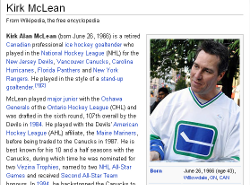
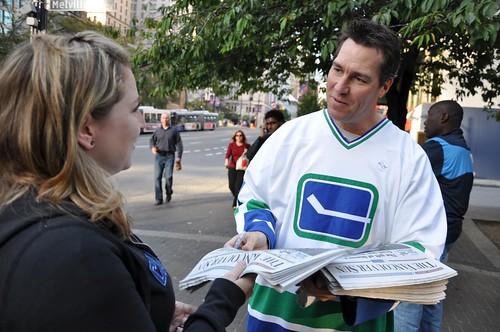
While being held up on the couch yesterday afternoon with some sinuses getting the best of me, I got a quick message on Flickr requesting my permission to use one of my photos on Wikipedia. When I discovered that it was for Vancouver Canucks legend Kirk McLean, I was glad to fire back a quick response and say hell yeah!
Here’s the original shot of McLean as Rebecca is handing him her copy of that day’s Vancouver Sun to autograph, adding to our collection of papers from previous years.
This is actually the second photo I’ve been asked my permission to use on Wikipedia. While it’s not being used as the primary photo for the entry, this photo is also being used on the entry for the current mayor of Surrey, B.C., Diane Watts.
There is a high probability that what’s contained in this post will be conceived as another old media versus new media argument over who’s better than who or which one will die out first. That’s not my intention, even if does point out a newspaper’s website presence.
Basically, it boils down to this; I want information on what’s going on in the small town of where I grew up in Iowa. My only option? The local newspaper that has been operating their print publication since 1879.
What’s the point of online presence if you don’t do it well?
The newspaper in question does have a website, but it’s highly outdated in terms of how it is constructed and updated. In fact, the basic foundation is something I helped to create in the mid-90’s when my parents owned and operated a website business during that time, giving me my first, professional gigs that have transformed into the sixty4media projects of today. Continue reading “Small town newspapers can have a great web presence”